Loss run analysis software: what to check before you trust the loss summary


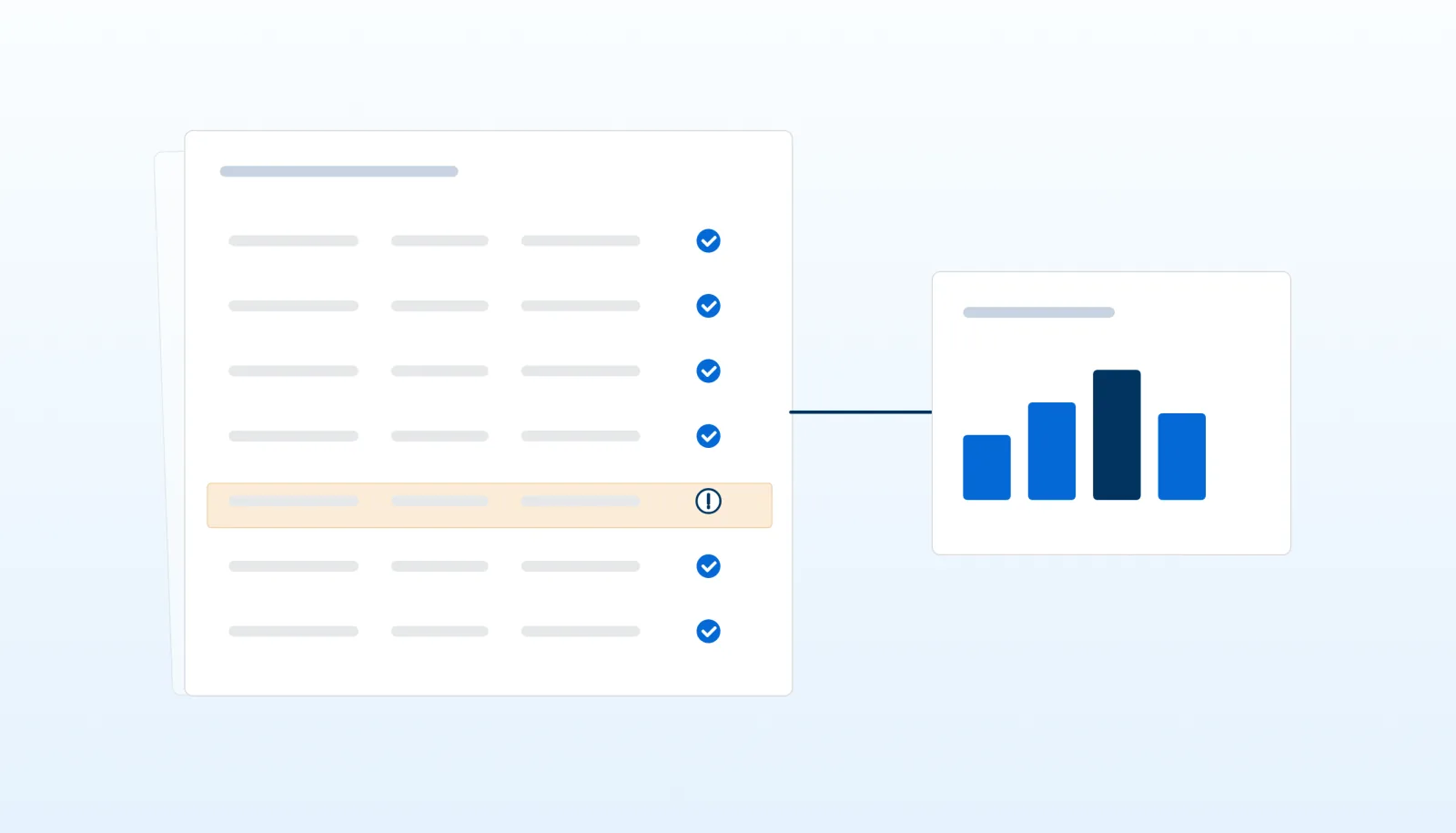

- Loss run analysis software is worth buying when it gets the price-moving details right on the ugly files, the 200-page fleet loss runs and the scanned carrier printouts, and when it tells the underwriter plainly where it could not be sure.
- Speed matters too, but most of the cost of a loss run sits in rechecking a summary nobody trusts.
- Ask any vendor how it handles a loss it cannot classify, how it learns from what your underwriters change, and how it prices the extra effort of the hardest files.
Loss run analysis software is easy to demo, since almost any tool can turn a tidy five-page carrier loss run into a clean table, and that is why the demos all start to look alike after the second vendor. I have sat with intake teams long enough to know that the files which decide the question are the ugly ones. One commercial auto underwriter put it to us plainly last month: "I have a large fleet team that sometimes you get loss runs that are 200 pages long." Add a renewal where three prior carriers each used their own layout, or a wholesaler pulling loss runs from many carrier portals with a different login for each, and you have the real test. My advice to an operations lead is to judge loss run software on those files and on what it does when it cannot tell, because that is where the underwriter's price is won or lost.
Why do loss runs still eat so many hours?
Every carrier formats its loss runs its own way, and the formats drift. Our own engineers found that a template they had already tested came back with new header variations on pages that claimed to be the same template, so "tested" never quite means finished. A person doing this by hand hits the same wall, only slower, and when I ask underwriting assistants where the morning went, the answers are nearly always the same few:
- digging the loss run out of a broker email with six attachments, then noticing one of the five years is missing;
- keying date of loss, paid, reserve and incurred into the rater, and often again into a second system;
- writing back to the broker for the missing year (on bigger fleet accounts that back and forth can run alongside the map and fuel tax reports the underwriter also wants checked);
- reading the large losses slowly enough to tell closed from reopened from still developing.
When one underwriting operations lead described their intake to us, the whole answer was four words: "it's all done manually." None of those tasks is difficult, which is exactly how they hide so many hours, and a summary that removes the typing but still has to be checked line by line simply hands the hours to the underwriter, who is the most expensive person on the file (we wrote about that hidden cost in the real cost of inaccurate underwriting data).
What actually moves the price on a loss run?
Most of a loss run never touches the quote, while a few fields decide it: the loss and reserve amounts, the dates that put a claim inside or outside the experience period, the coverage line each claim belongs to (auto liability versus physical damage, on a trucking account), and whether the claim is still open. Get one of those wrong and the price moves, and when a team audits its quoted files after the fact, the fixes that changed the price tend to cluster in exactly that short list.
The question I would put to a vendor first is where the tool is accurate, and you want to hear "on the money fields and the coverage split," with every number linked to the page it came from so an underwriter can check it in seconds, which is the same standard we argue for in underwriter-ready submissions. The summary also has to read the way an underwriter would have built it. One underwriting manager told us he has his team run every account that reaches his desk through a loss summary, because he would rather read the losses in a table than dig through a hundred pages, and the flags he cares about most are the odd ones (a claim showing zero net incurred against a large paid amount, say), raised before anybody quotes.
What should loss run analysis software do when it is not sure?
It should say so. The rule our product team works to is that the system sees one file at a time, with only that document's context, so a loss it cannot place with confidence gets marked Unknown and the call goes to the underwriter. I like that rule because guessing is how trust dies: an underwriter who was burned once by a confident wrong summary will recheck every line for the next year, and at that point the software has added a step to the job.
Ask, too, how the tool learns from your people. Each time an underwriter corrects a loss, moves it to another coverage line or overrides a reserve, that edit is the best feedback a vendor will ever get, and a good one will ask for it. On one account we asked for two to three months of underwriter edits because the system had no other way to see them, and the breakdown was humbling in a useful way: most of the flagged items traced back to guidelines that needed aligning, some to our own misreading of a format, and a handful were never errors at all. I would ask any vendor for that kind of breakdown before signing.
How should you compare cost against doing it by hand?
The fair comparison is the effort a person would spend on the same file, and that effort varies enormously. The test I use is simple: if a person had to do this file, how much would their effort vary from the average one? A five-page loss run with two small claims takes an assistant a few minutes, while a 200-page fleet file with several carriers can take the better part of a morning, so a flat price per file can look generous on the easy ones and cheap on the hard ones. When you build the business case, it helps to work through three groups of files:
- the routine files, where speed is the gain and accuracy is rarely in doubt;
- the large or messy files, where the hours saved are real and the accuracy of the financial fields is what you are paying for;
- the files that would otherwise go to an outsourced team, where a day of lag per step is the cost you are removing.
Look at the large and messy group first, since it usually carries most of the hours and most of the risk.
How does the Pibit AI Underwriting OS handle loss runs?
In the Underwriting OS, loss runs are handled in the Extraction & research stage, and the summary flows on to Triage & risk analysis and Rating & pricing without anyone rekeying it. Buyers choose how each workflow runs. In Verified mode, our human-in-the-loop reviews the output and we commit to 99.9% workflow accuracy in the contract, with an SLA of two hours at most; that is the mode most teams pick for loss runs, because the financial fields carry the price. In Straight-through mode the results come back instantly with no human review, reaching 95% accuracy after about a month of feedback on your documents, which suits simpler, speed-first files. Every value links back to its source page, and unclear losses are marked for the underwriter instead of filled in.
You can start with loss runs alone, on top of the systems you already run, and add other stages later; a module goes live in a few weeks with no implementation fee. To give a sense of what is possible, teams on the Underwriting OS have seen 70% faster time to quote and 2x underwriter throughput, and loss runs are often where that time comes from (more on that in submission turnaround time). If you want to see it on your own hardest file, Request a Demo and bring the 200-page one.
Frequently Asked Questions

Loss run analysis software reads carrier loss runs, pulls out each loss with its dates, amounts, reserves and coverage line, and builds a summary an underwriter can price from. The better tools link every value to its source page and flag losses they cannot classify with confidence.
It needs to be right on the fields that move the price: loss amounts, reserves, dates inside the experience period, coverage line and open or closed status. Pibit AI's Verified mode, with our human-in-the-loop, carries 99.9% workflow accuracy in the contract.
No. It should remove the rekeying and the hunting through pages, mark what it is unsure about, and leave the judgment on large or developing losses with the underwriter.
Editorial voice · Underwriting operations

By submitting this form, you consent to Pibit.AI Inc. contacting you and processing your data in accordance with our Privacy Policy.



Ready to optimize